Pinned: Parking Reminder
iOS edition · App Store
Platform detail sheet
Pinned: Parking Reminder
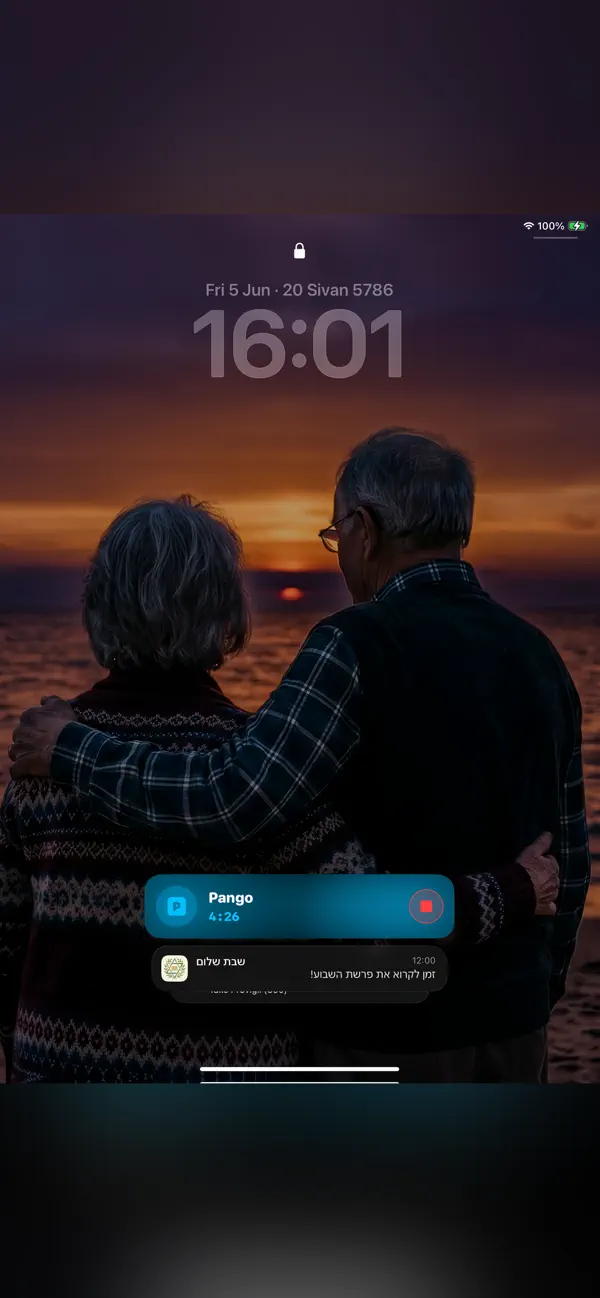
iOS: Keep a parking reminder pinned to your Lock Screen so you can check when it is time to stop your parking app.

Need help with this exact edition? Get iOS app support.

Find this edition for
Primary task: parking reminders and edition-specific car-location tools
Useful when: drivers, parking-app users, city drivers need parking reminders and edition-specific car-location tools. You can use it for parking reminder, parking app companion, Android car locator.
Not designed for: parking payment · parking-session status confirmation
First use
Start with Pinned: Parking Reminder on iPhone and iPad
Create a visible reminder that prompts one final check of your parking provider before you leave the car.
- Step 1
Create the reminder
Set the reminder for the parking session you want to remember.
- Step 2
Keep it where you look
Use the Lock Screen reminder as a cue when you check your phone.
- Step 3
Confirm in the provider app
Open the parking provider’s app to verify payment or session status; Pinned does not perform that action for you.
Scope: Pinned is a reminder and car-location helper, not a parking-payment service or a guarantee that a session has ended.
Edition overview
About Pinned: Parking Reminder on iOS
Keep a parking reminder pinned to your Lock Screen so you can check when it is time to stop your parking app.
A visible parking reminder
See a reminder while checking your phone and return to your parking provider to manage the session.
Pinned: Parking Reminder at a glance
Pinned: Parking Reminder iOS: Keep a parking reminder pinned to your Lock Screen so you can check when it is time to stop your parking app.
| Category | utility |
|---|---|
| Platforms | iPhone and iPad |
| Languages | English |
| App Store | Available |
App Store
Screenshots
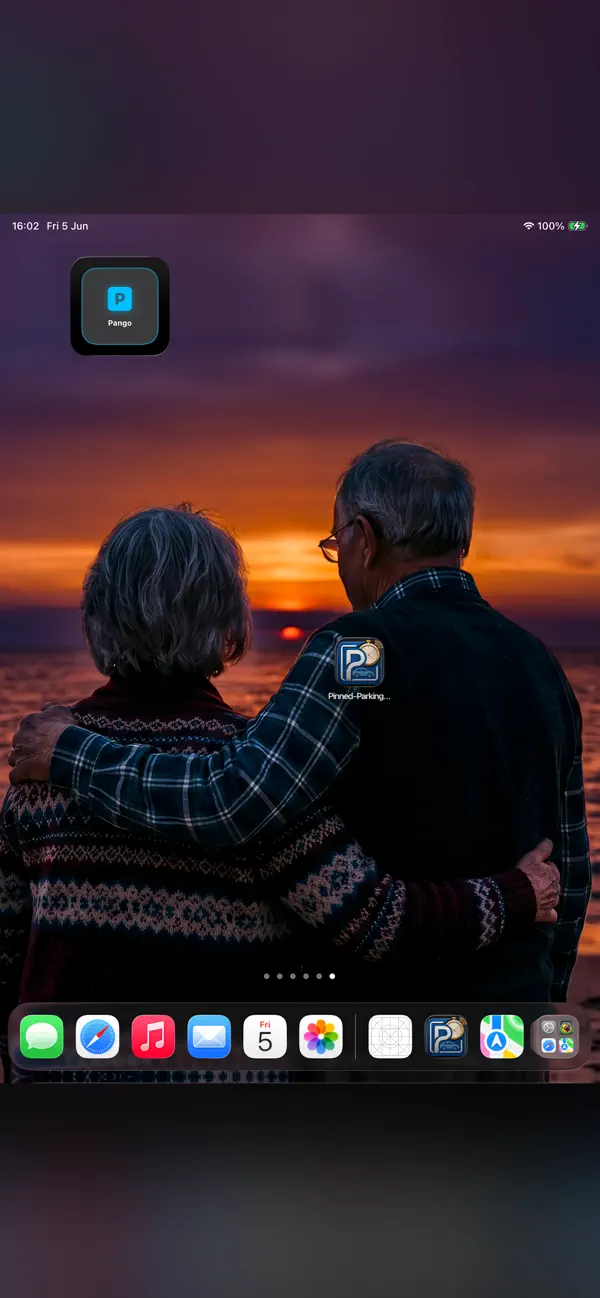
Official App Store screenshots of the iPhone and iPad edition. Features may differ on other platforms.
Verified App Store snapshot
Pinned: Parking Reminder
- Category
- Utilities
- App Store base price
- $1.19 upfront in the US App Store
- Current version
- 1.0
- Last updated
- June 10, 2026
- Availability
- iPhone and iPad
- Minimum iOS
- iOS 18.6
What you can use Pinned: Parking Reminder for
Pinned: Parking Reminder may be a good fit if you are looking for Pinned: Parking Reminder, Apple: Lock Screen reminder, Android: find your car, or Android: launch your parking app.
App Store listing details
Pinned: Parking Reminder availability
- Store
- App Store
- Availability
- Available to download
- Facts source
- Verified App Store snapshot (2026-10-05)
- Base price
- $1.19 upfront in the US App Store
- Version
- 1.0
- System requirements
- Requires iOS 18.6 or later. Compatible with iPhone, iPad, and iPod touch.
- App languages for this edition
- English
- Last updated
- June 10, 2026
- Verified
- October 5, 2026
- Checked
- October 5, 2026