

Best fit
Remember to check your parking session
Pinned: Parking Reminder
utilities · iOS & Android
Keep a parking reminder handy and return to your parking provider to check the session. Features differ between Apple and Android.


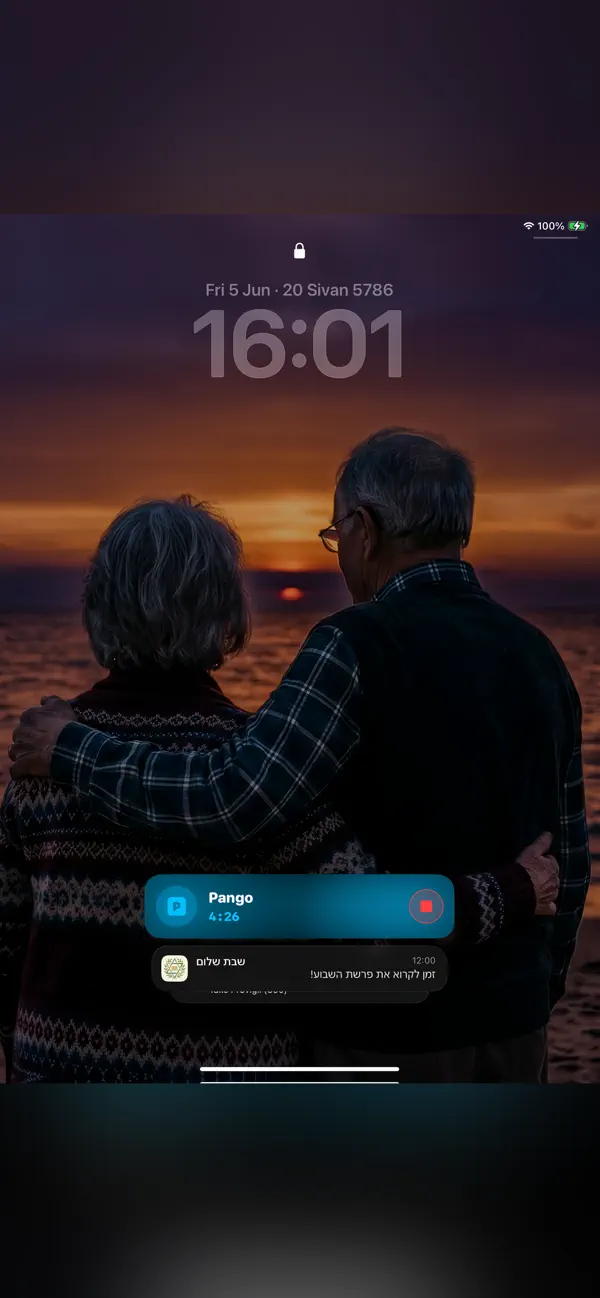
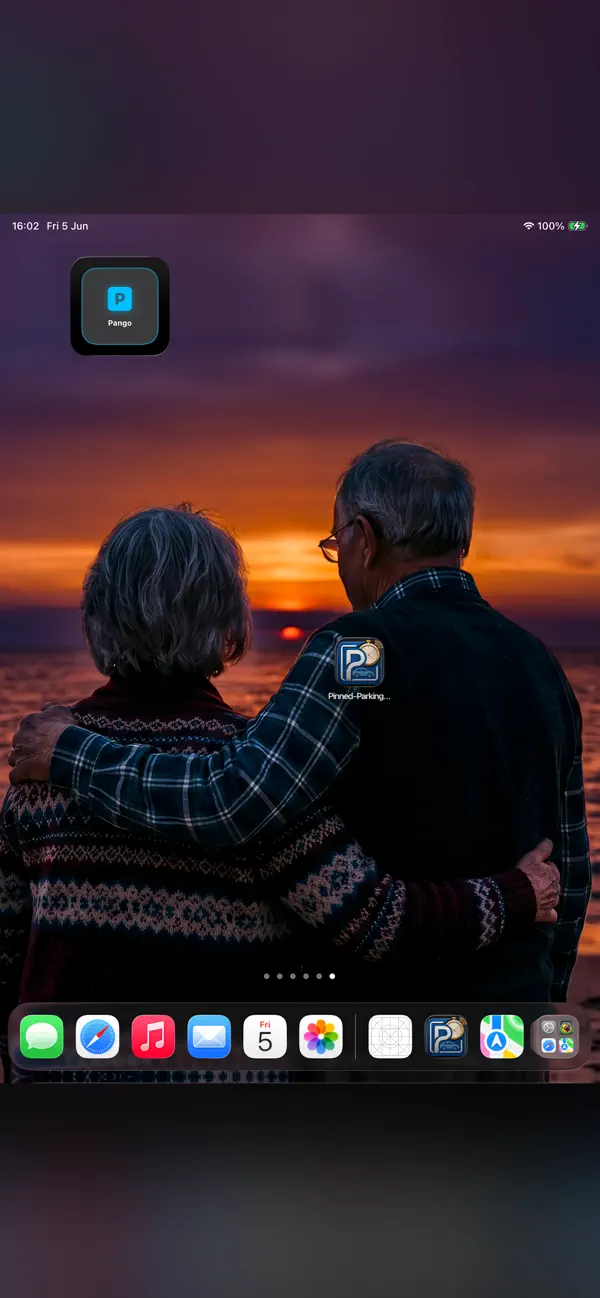
Store availability, purchases, and privacy disclosures can differ by platform. Review the current App Store or Google Play page before deciding.
Find this app for
Useful for: drivers, parking-app users, city drivers who want a parking reminders and edition-specific car-location tools.
Typical use: People choose it for parking reminder, parking app companion, Android car locator, within the scope described below.
Also known as: Pinned - Parking Meter
Not designed for: parking payment · parking-session status confirmation
First use
Create a visible reminder that prompts one final check of your parking provider before you leave the car.
Set the reminder for the parking session you want to remember.
Use the Lock Screen reminder as a cue when you check your phone.
Open the parking provider’s app to verify payment or session status; Pinned does not perform that action for you.
Scope: Pinned is a reminder and car-location helper, not a parking-payment service or a guarantee that a session has ended.
Official editions
Each platform has its own page with the matching store link, features and system requirements.
Decision guide
Remember to check your parking session
You need proof of payment, parking-provider integration, an emergency alert, or a guarantee that a parking session has ended.
App Store
Official App Store screenshots of the iPhone & iPad edition. Features may differ on other platforms.
After parking, set the reminder. Before leaving, open the payment provider and confirm the session there. A reminder does not end payment or guarantee that a fine is avoided.
Pinned: Parking Reminder Keep a parking reminder handy and return to your parking provider to check the session. Features differ between Apple and Android.
| Category | utility |
|---|---|
| Platforms | iOS, Android |
| App Store | Available |
| Google Play | Available |
 JotRail: Sticky NotesCapture local-first notes at the edge of your Mac screen. Search, organize and export them with JotRail. Requires macOS 15.0 or later.
 Shavua Tov: Siddur & CalendarFind Shabbat candle-lighting and Havdalah times, Hebrew dates and Jewish learning. Compare the Apple siddur and calendar with Android Torah and Tehillim tools.
 Amber: Study, Focus, and SleepPlan Pomodoro-style study sessions with focus timers, brown and pink noise, and a physical-book reading ruler for iPhone and iPad.
 Favor: Boundary & Habit RPGKeep a personal journal of favors, commitments and boundaries, with game-like progress and space for your own reflections.
Decision support
Criteria, trade-offs, and situations where a different kind of tool may be a better fit.
Compare approaches
* Note: We strive to keep our FAQs and content up to date, but application features and app store policies may evolve over time. If you spot an inaccuracy, please let us know via support.