

Best fit
Track what each shift earns, including wages and tip-outs.
TipStash: Tip & Shift Tracker
finance · iOS
Track tips, shifts, wages, and tip-outs across multiple jobs. Calculate hourly earnings and import or export CSV records with TipStash.


Visual direction: Receipt stacks, earnings bars, and quick-tip chips.
Find this app for
Useful for: servers, bartenders, baristas, hospitality workers who want a personal tip and shift-income tracker.
Typical use: People choose it for tip tracker for servers, bartender tip log, tip-out tracker, multiple-job shift income tracker, cash and credit tip tracker, hourly wage calculator, within the scope described below.
Also known as: TipStash: Tip & Shift Tracker
Not designed for: payroll system · tax advice · restaurant POS
First use
Turn the end of a shift into a small record: enter the figures you know, then review the result before exporting anything.
Enter hours, base pay, and the tip figures that belong to the shift.
Review the hourly estimate and tip-out fields as personal record-keeping, not as payroll or tax advice.
Compare shifts over time and export your own history when a spreadsheet is useful.
Scope: TipStash is a personal tip and shift log. Confirm the current iOS edition’s privacy, purchase, and export details before entering income information.
Official editions
Each platform has its own page with the matching store link and any current, platform-scoped details.
Decision guide
Track what each shift earns, including wages and tip-outs.
You need payroll, accounting, tax filing, wage-law advice, or an employer-approved record rather than a personal tip and shift tracker.
Official App Store gallery
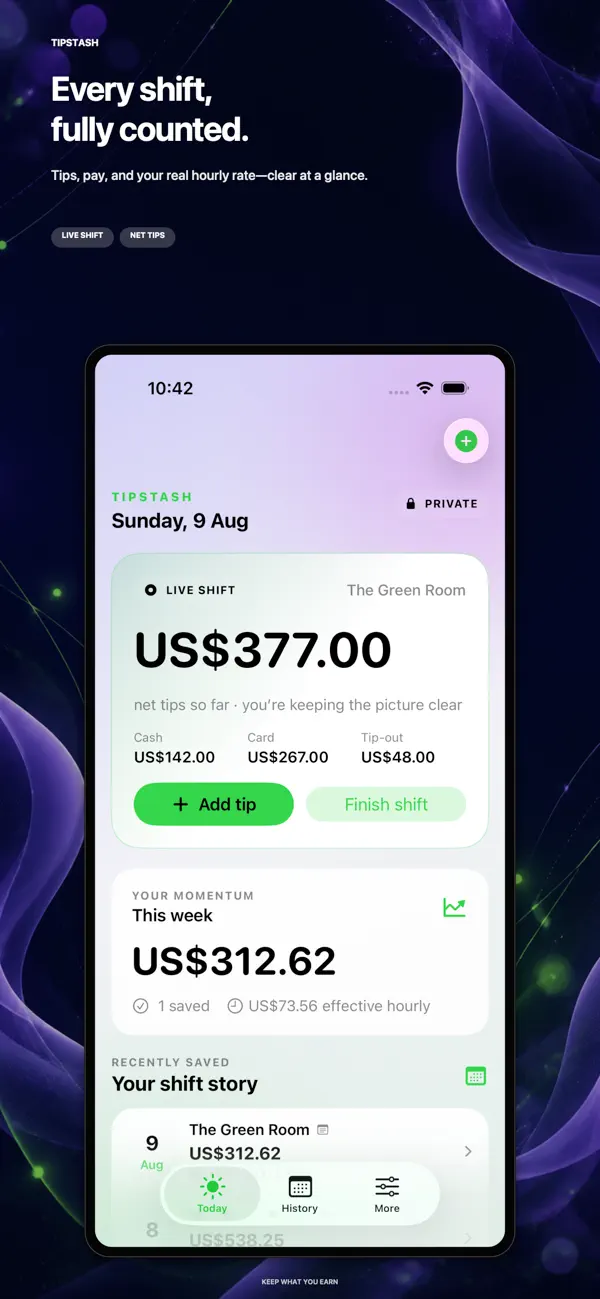
These are official App Store screenshots for the iPhone & iPad edition. They show the Track what each shift earns, including wages and tip-outs; features can differ on another platform.

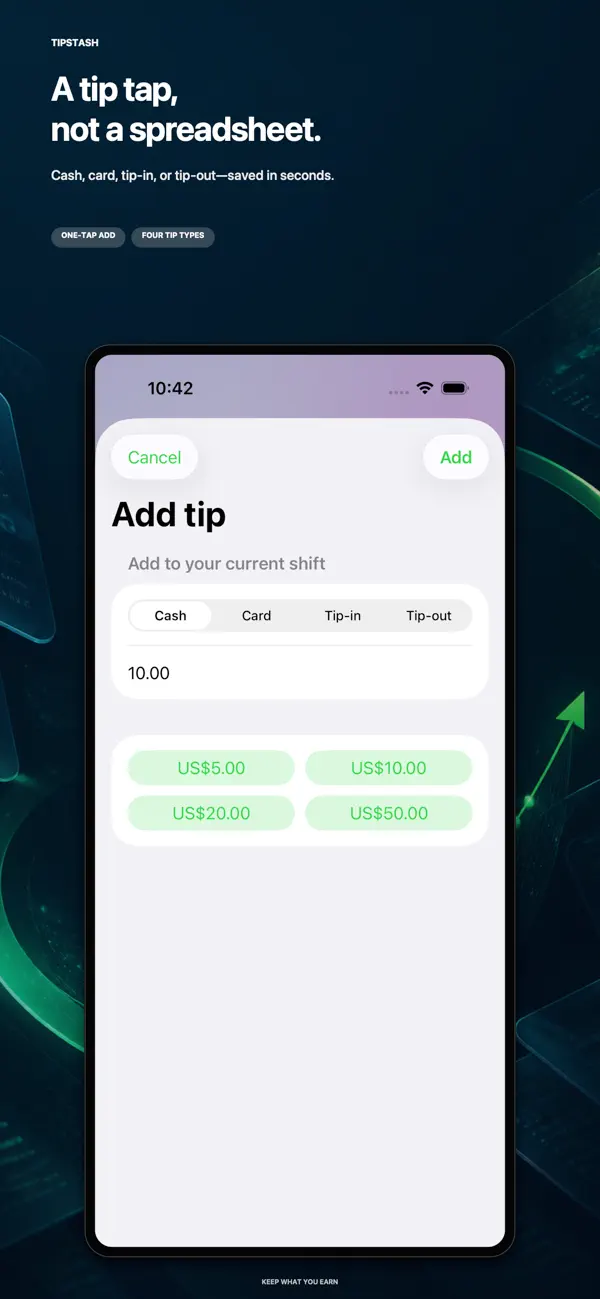
Record cash and card tips, tip-ins, tip-outs, paid hours, and wages to review net tips, total earnings, and your effective hourly rate.
Start a shift, add a preset cash or card tip, or undo the last quick tip from a configurable Home Screen widget.
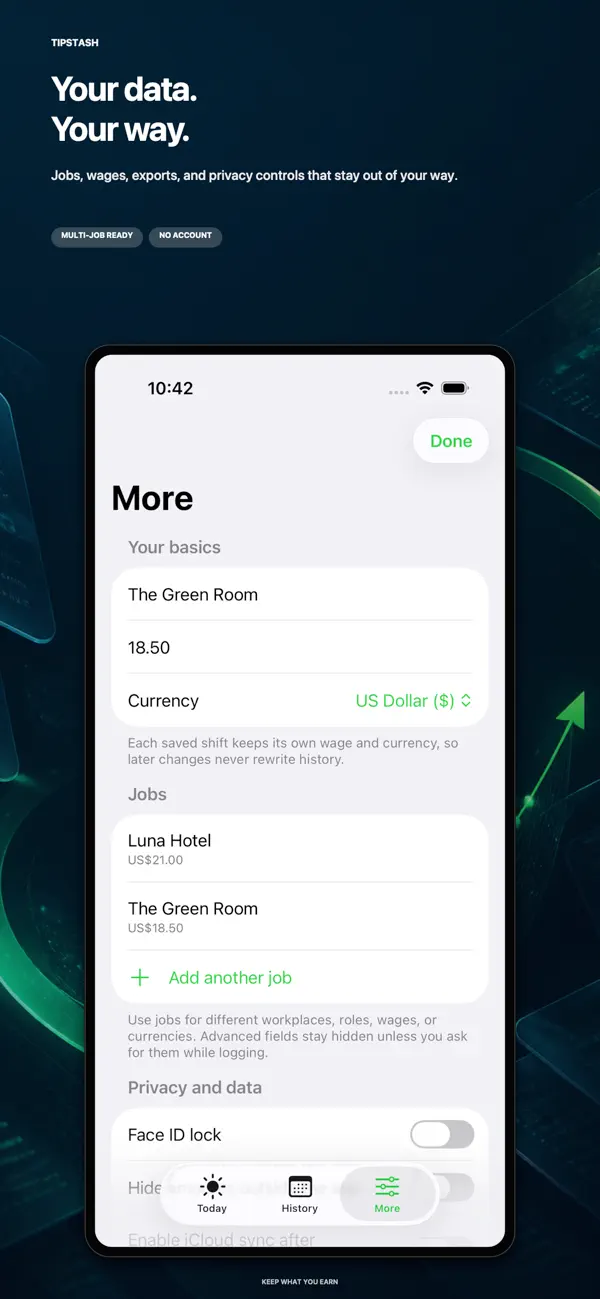
Track multiple jobs, roles, wages, and currencies. Each saved shift keeps its own wage and currency when your settings change.
Use biometric Face ID as an access control for your earnings records where the current edition supports it.
Import a CSV backup or another tracker’s history, and export your shift records for personal record-keeping. This is not tax advice.
TipStash: Tip & Shift Tracker Track tips, shifts, wages, and tip-outs across multiple jobs. Calculate hourly earnings and import or export CSV records with TipStash.
| Category | finance |
|---|---|
| Platforms | iOS |
| App Store | Available |
Current App Store details
See the official App Store listing for the latest price, version, and update details.
Open the linked App Store page for TipStash’s current price and purchase options in your storefront.
Yes. Record cash and card tips, tip-ins, tip-outs, hours, and wages separately. Track multiple jobs and roles, with each shift retaining its wage and currency for net-tip and hourly-earnings calculations.
The current App Store description says records stay on your device by default, with optional iCloud sync, Face ID lock, and amount hiding. No account is required. TipStash is a personal tracker, not payroll or tax advice.
Decision support
Criteria, trade-offs, and situations where a different kind of tool may be a better fit.
Compare approaches
* Note: We strive to keep our FAQs and content up to date, but application features and app store policies may evolve over time. If you spot an inaccuracy, please let us know via support.