Offline chess for travel: decide who is playing before choosing an app
For a solo journey, choose an offline computer opponent. For two people together, choose same-device play. For a friend elsewhere, plan for internet access.

Reading
Three travel situations, three different modes
“Play with friends” might mean sharing a screen, connecting nearby or using the internet. Decide where your opponent will be.
- Traveling alone: choose a local bot game or a lesson that explicitly works offline.
- Sitting together with one device: choose pass-and-play, sometimes called same-device, local or Play in Person.
- Using two devices without internet: verify the specific nearby-connection mode and its requirements. Same-device support alone does not establish this.
- Playing someone in another location: use an online mode and allow for lost connectivity. A correspondence game still needs a connection to exchange moves.
Where Pawnpetal fits
Valorem makes Pawnpetal. Pawnpetal describes offline bot games and same-device play, plus saved local games that can be continued. It is a candidate for an iPhone or iPad away from dependable Wi-Fi.
Game Center friend matches require internet access. Optional iCloud synchronization is a separate connected feature. Do not make either part of your plan for a completely offline flight.
Check your region’s App Store for device compatibility, minimum operating-system version and the edition currently available. This guide identifies no Android Pawnpetal edition.
Other apps can cover the same practical need
You may already have a suitable app. Chess.com documents Play in Person on both iOS and Android, reached through Play, then More. It replaced the earlier Pass & Play name. Its App Store description also lists offline computer games.
Lichess’s 2026 changelog documents offline computer play in its mobile app, including Maia in the August update. Its app is free and available for iPhone and Android. Check the installed version rather than relying on an old comparison claiming Lichess cannot play offline.
If your existing app handles the trip, you may not need another. Recheck the mode after updates before depending on it without Wi-Fi.
Run a departure check while you still have Wi-Fi
- Install or update the app, then open it and finish any necessary setup.
- Start the exact local mode you intend to use. For a shared game, make one move for each side.
- Turn off cellular data and Wi-Fi, then reopen the app and start another local game. Airplane mode alone may leave Wi-Fi enabled on some devices.
- Try the lesson you intend to use while disconnected. Do not assume every daily puzzle or downloaded screen will remain available.
- If continuing games matters, leave your test game, reopen it and check that the board and side to move are correct.
- Reconnect after testing. Note the successful mode so you can find it at the gate.
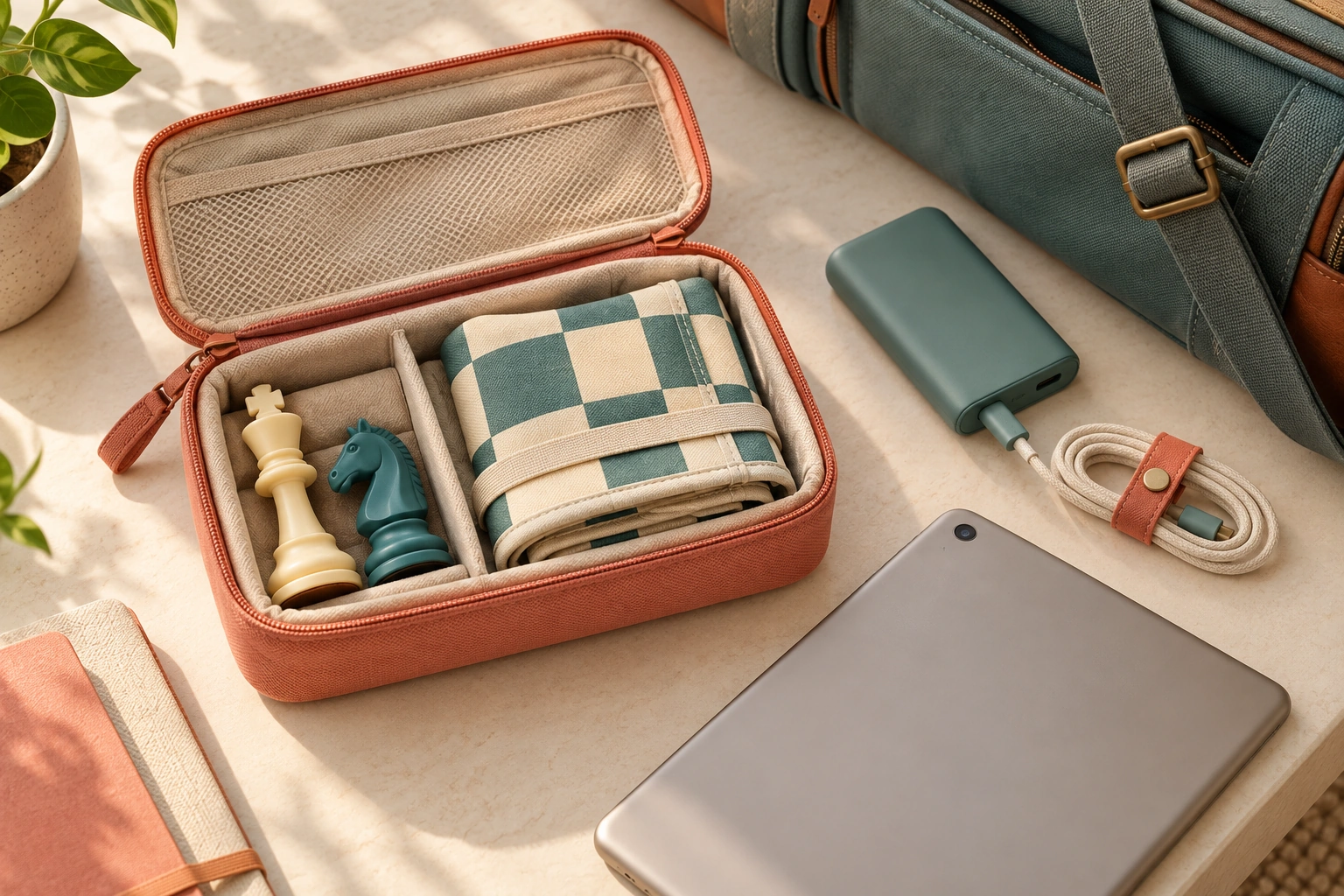
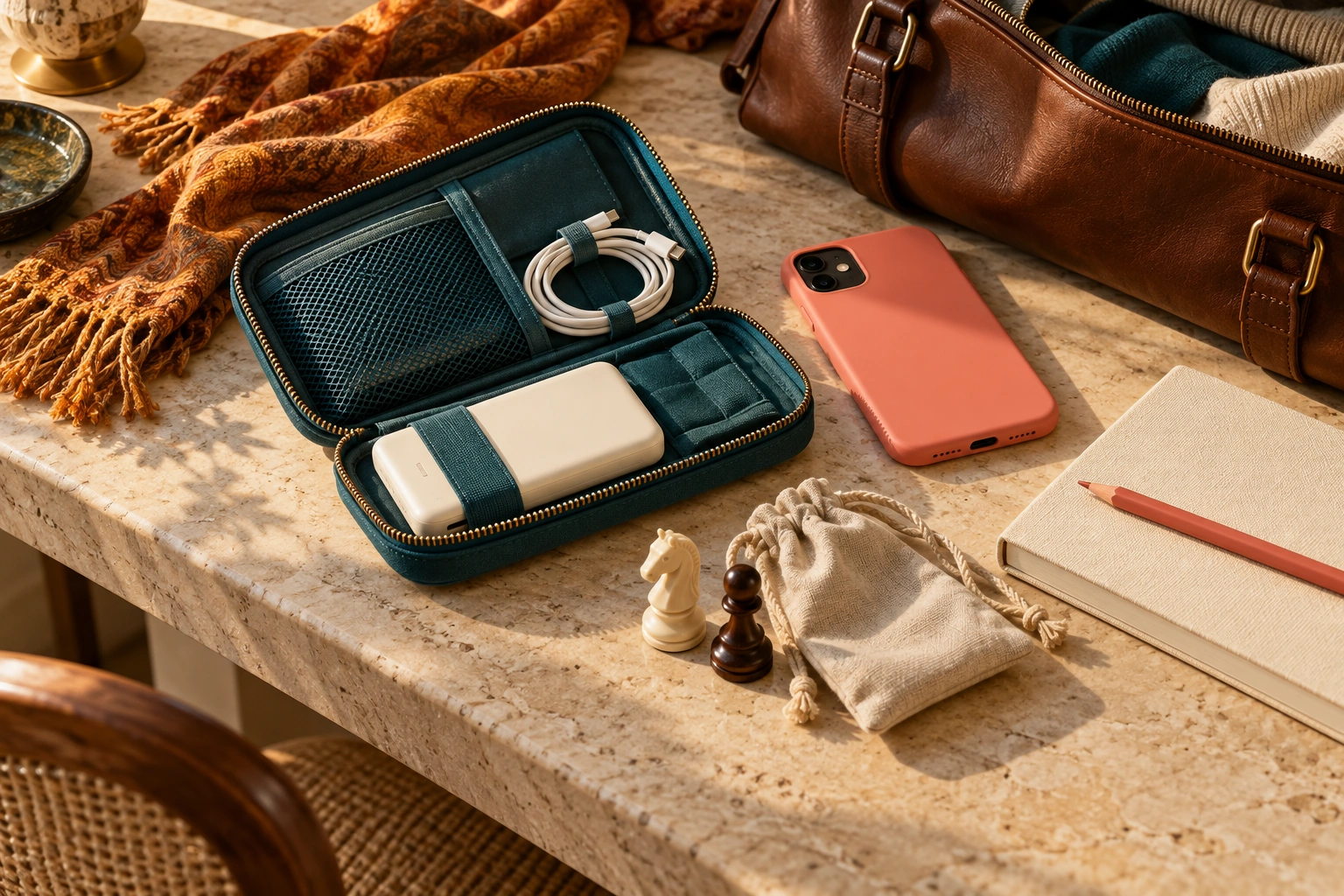
Make one shared screen comfortable
Agree whether hints are allowed and what happens after an accidental tap. Choose an untimed game when available if interruptions are likely. Check whether the board rotates automatically; passing a phone across a table can otherwise become confusing.
Keep the board steady where both players can see it. Decide whether this is a teaching game or a competitive one. For an unaided game, disable move suggestions if the app offers that setting.
Keep a fallback that matches the trip
For a short commute, one lesson may fit better than a full game. Carry a physical set if device battery is uncertain. Avoid starting an online game just before disconnecting: another person may be left waiting, and you may lose on time.
Does pass-and-play require two accounts?
It means taking turns on one device. Pawnpetal says local play needs no Pawnpetal account; check the specific app’s setup rather than applying that statement to every service.
Does offline support include every daily puzzle and analysis feature?
No such assumption is safe. Verify each activity you need in a disconnected test, including whether content must be opened or downloaded first.