01
A little practice on your own
An offline bot is a good starting point when you want to explore the rules or try a new board without arranging a match. Choose a comfortable difficulty and concentrate on one part of the game: protecting a chess piece, spotting a checkers jump, or keeping a Go group connected.
Pawnpetal, Backgammonpetal, Checkerpetal, Reversipetal and Gopetal offer Gentle, Balanced and Advanced bots. Carrompetal has Gentle, Balanced, Skilled and Expert opponents. These are the games’ own difficulty choices, not equivalent competitive ratings.
- No internet or developer account is needed for local bot play.
- Practice controls and teaching features differ by game.
- Check the game’s release status before looking for it in the store.
02
Two players, one device
Pass-and-play keeps the whole match on the same iPhone, iPad or Mac. Take a turn, then give the other player control. It is a useful choice for a shared table because there is no pairing or online account to arrange.
On a phone, physically pass the device between turns. On a Mac, take turns at the same board. Choose this mode deliberately: it is separate from inviting someone through Game Center.
03
Two devices, the same place
Nearby play lets each person use their own compatible device. One player hosts and the other joins. Approve the intended peer and, when a comparison code is shown, check it together before starting.
Nearby play uses a local connection and may require Local Network permission. A network that isolates devices from one another can prevent pairing. It is separate from internet-based Game Center matchmaking; the exact connection and recovery controls are shown in each game.
- Use compatible versions of the same game.
- Keep the devices nearby and allow the relevant local-network connection.
- Approve your intended opponent before exchanging game state.
04
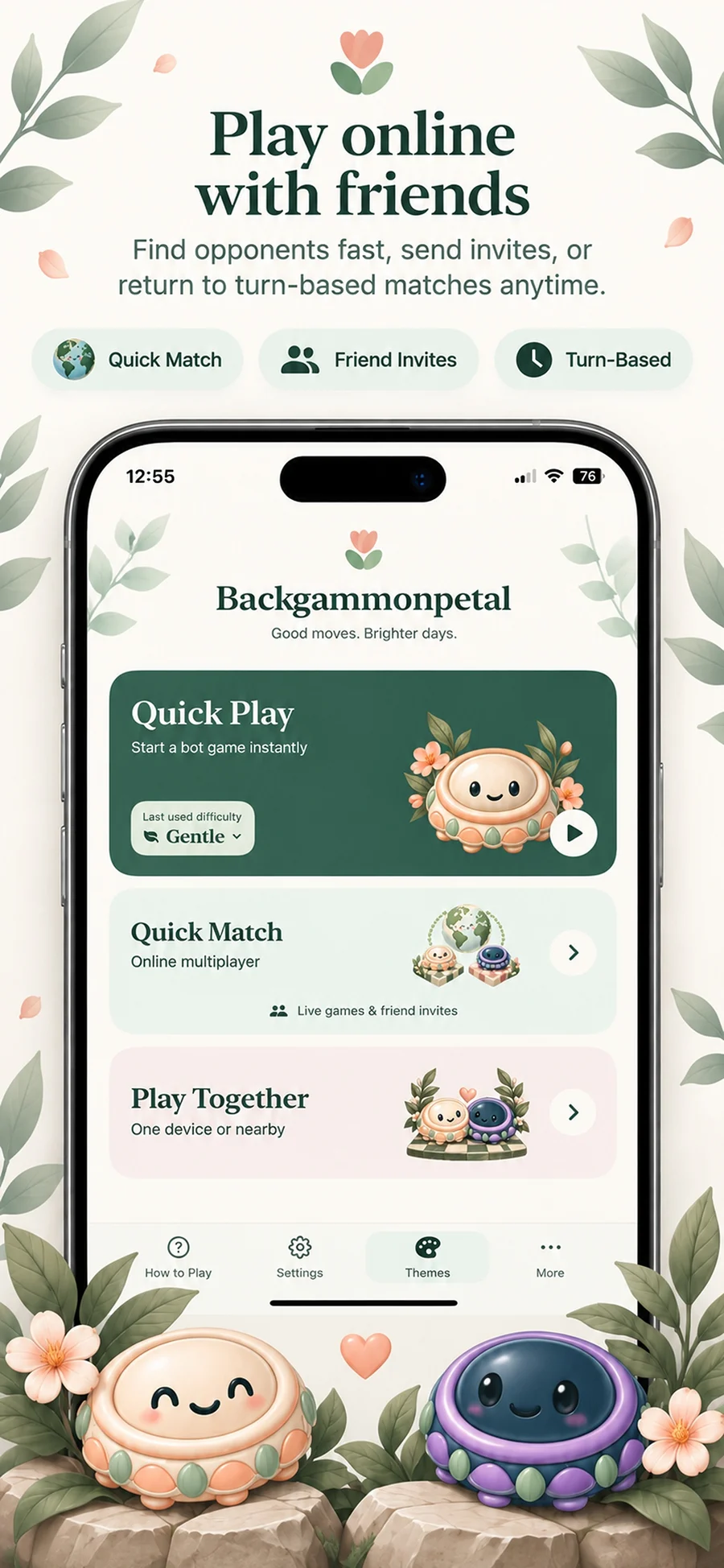
Meet through Game Center
Choose Game Center when you want an online opponent or a friend on another device. Online play requires an internet connection and Game Center sign-in. The app’s available match types determine whether you play live or return for a later turn.
A turn-based game fits a back-and-forth rhythm over time. A live match asks both players to be present. Check the game’s timer and match settings before joining, especially when moving from relaxed local practice to online play.
05
Know what stays local
Petal games store game data on your device by default and include no ads or tracking. Optional Game Center, private iCloud sync and purchases use Apple services. Nearby games share the information needed to play with the peer you approve.
The collection’s shared privacy policy explains these boundaries, including recordings, exports and support correspondence. A local game and an online match involve different connections even though they use the same board.
Start with the people and devices you have. Then choose the connection that fits.
Explore Pawnpetal Chess: Online & Bot Compare the Petal gamesProduct details & further reading
App-specific features reflect the maintained product information. Follow the product page for current release status and store requirements.